Free Printable Work Planner
Updated October 8, 2026 · Free · No signup · A4 + US Letter
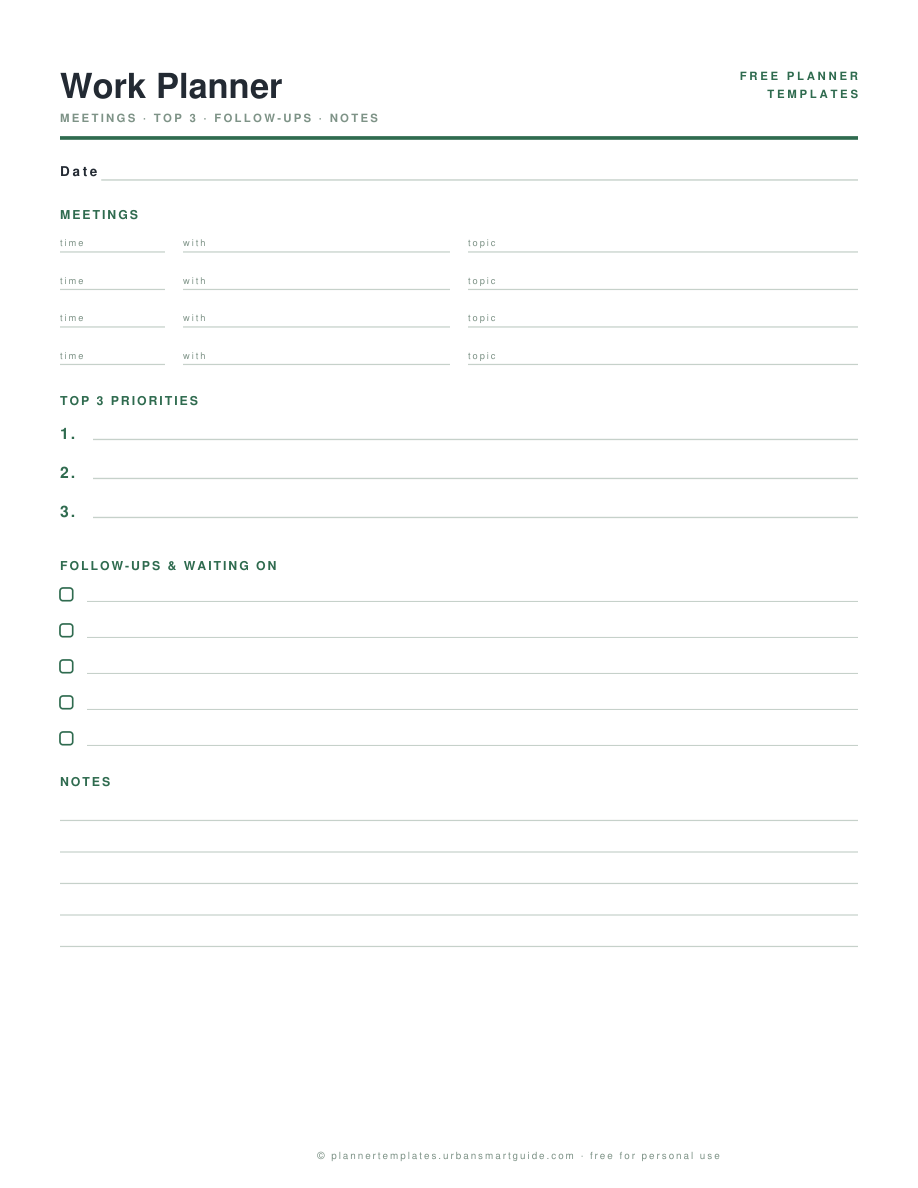
Work days are won before the first meeting: three priorities that outrank the inbox, meetings captured with their actual topics, and — the part every task app forgets — a follow-ups section for the things you are waiting on other people to do. This work planner page holds all four on one sheet.
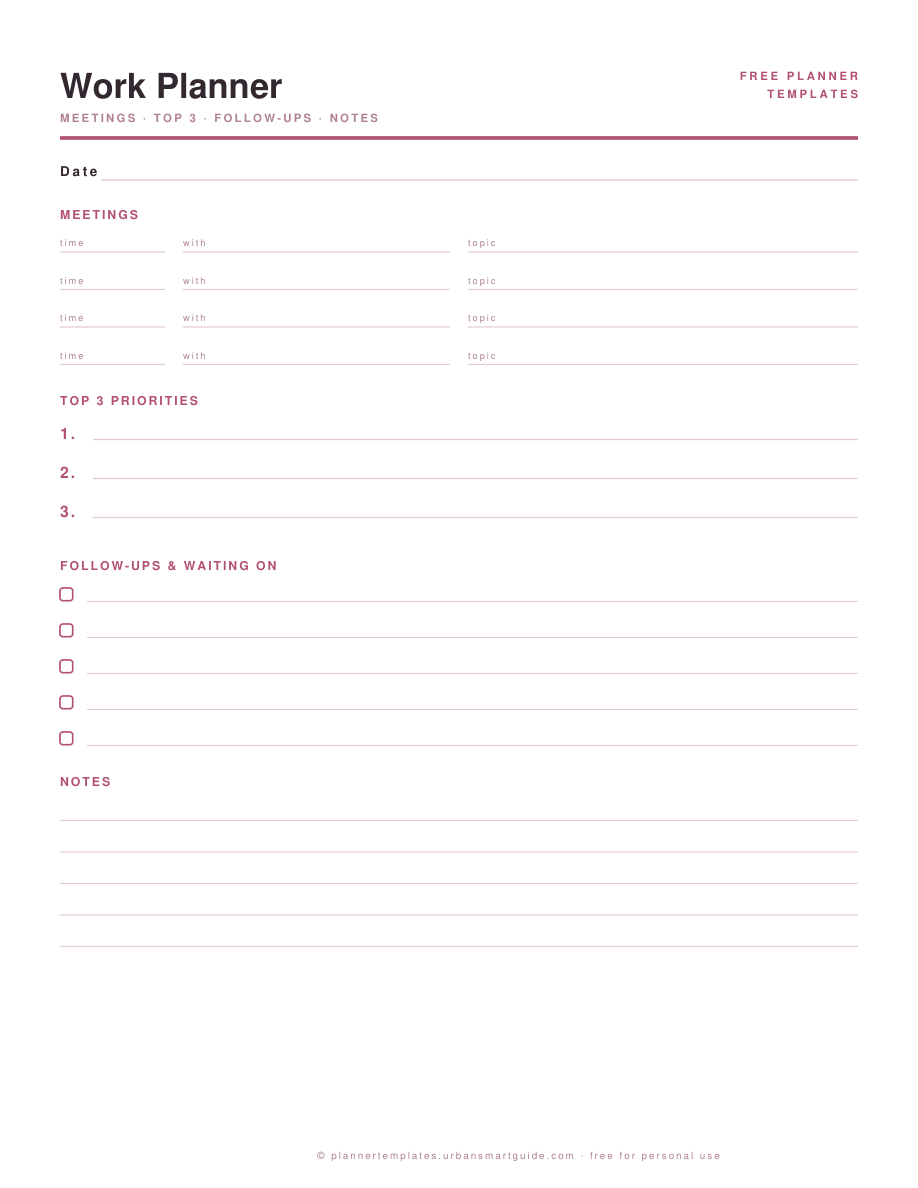
It pairs with the daily planner when work and life share a brain, or stands alone on the desk as the professional page. Undated, two colorways, A4 and US Letter, instant PDF download, free for personal use.
What's inside
- Meetings table: time / with / topic — so "the 2 PM" stops being a mystery by 2:45
- Top 3 priorities, numbered — the meeting-prep, the deep work, the thing you keep postponing
- Follow-ups & waiting-on checklist with checkboxes: chase list, not guilt list
- A notes band that absorbs the sidebar-commentary meetings generate
How to use it
- At day start, fill meetings from the calendar, then choose the top 3. Email arrives after priorities; that order is the whole trick.
- Before each meeting, one line of prep in the topic column. After, one line of outcomes in notes.
- Every "I'll get back to you" lands in follow-ups the moment it is said — with a date in the margin.
- Day end: yesterday's follow-ups get 10 minutes of chasing before today's new ones start.
Printing it right
Download the file that matches your paper — US Letter or A4 — and print at 100% scale ("Actual size"), never "fit to page". Both files are drawn for their own paper, so the margins and line spacing land exactly where they should.
Tip: 100–120gsm paper (27–32 lb) stops pens ghosting through — and both colorways print fine in grayscale if you're saving ink. More in the printing guide.
Questions people ask
Is this different from the daily planner template?
The daily planner is life-shaped (schedule + to-dos + notes). This one is meeting-shaped: it assumes a calendar-heavy job and gives follow-ups their own section — the quiet killer of professional to-do lists.
Can I use it alongside a digital task manager?
That is the common setup: the system of record stays digital, this page runs the day. Copy the day's commitments in the morning, work on paper, sync outcomes back before signing off.
Does it work for remote / work-from-home days?
Yes — and the follow-ups section earns its keep most on async days, when "waiting on" is spread across three time zones and one page beats five browser tabs.
Can I print it for my whole team?
Personal and team use is fine; a link back is appreciated. If you want a branded variant for a company, write to us from the contact page.