Free Printable To-Do List Template
Updated October 8, 2026 · Free · No signup · A4 + US Letter
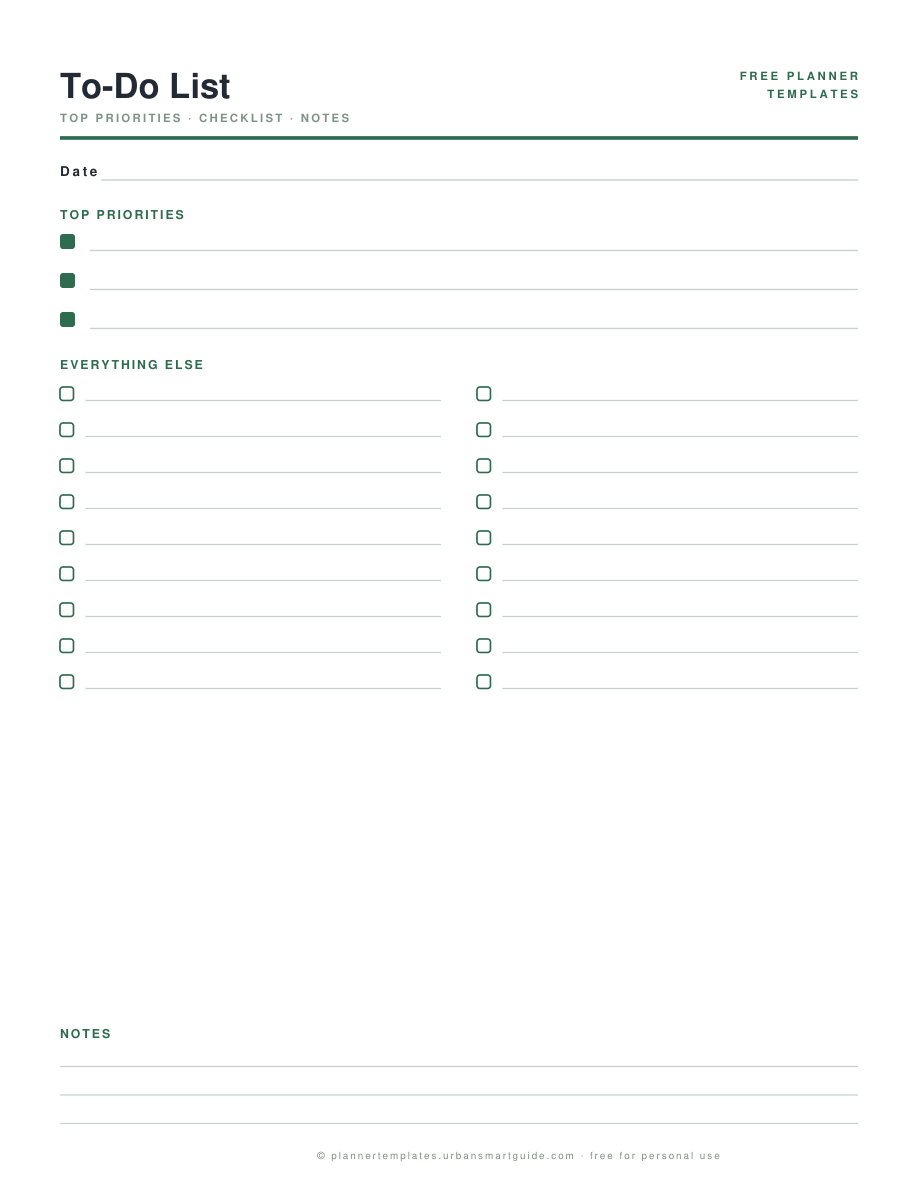
Most to-do lists fail the same way: one flat list where the urgent out-shouts the important. This to-do list template splits the page the way productive days actually work — three priority boxes at the top that must be faced, a two-column checklist for everything else, and a notes band for the things that are not tasks at all.
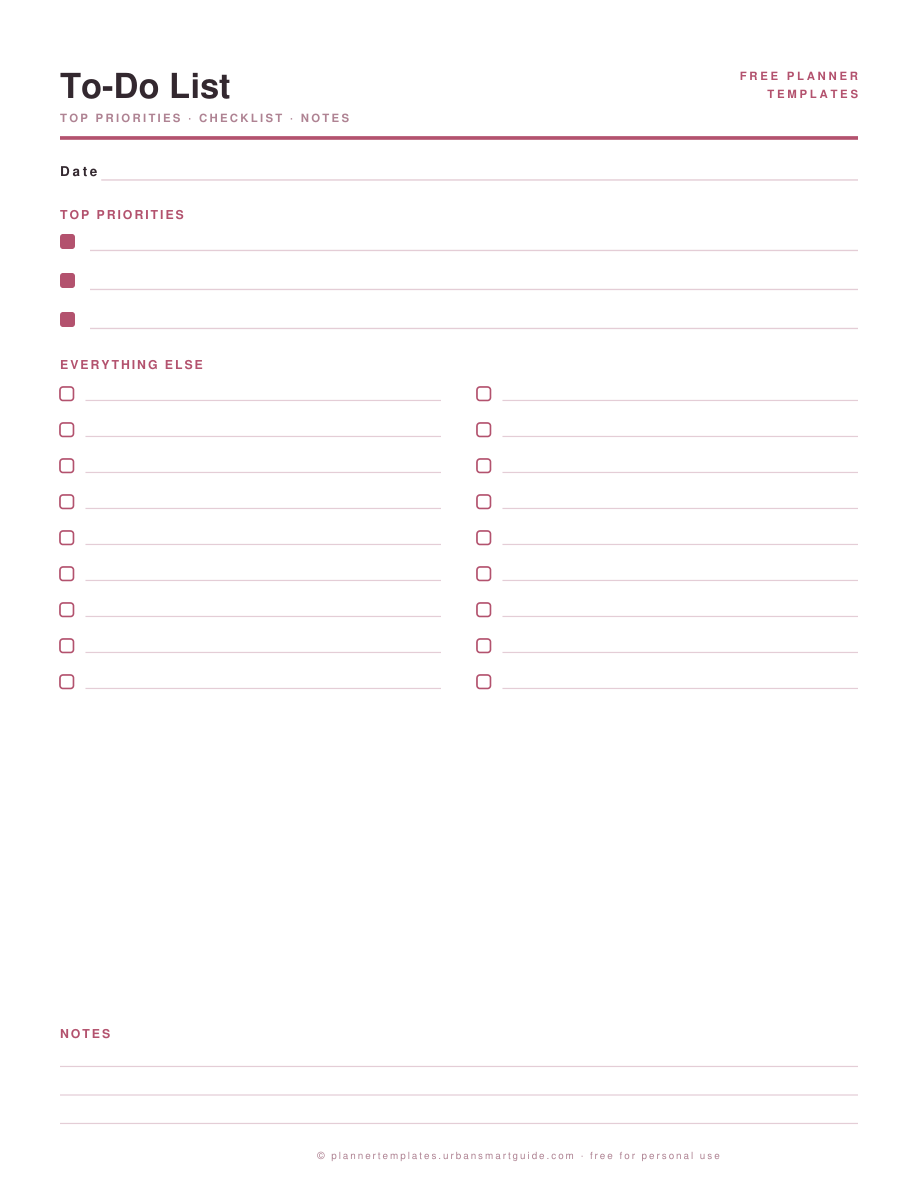
Print a stack, keep them on a clipboard, and let one sheet per day be the whole system. Undated, sage or blush, A4 and US Letter, instant PDF download — free, no signup.
What's inside
- Three filled priority squares — visually louder than the checkboxes below, on purpose
- A two-column "everything else" checklist (18–22 lines) that fits a real day's tail
- A notes band for phone numbers, half-thoughts and "ask about…" items
- One date line: one sheet per day keeps the archive honest
How to use it
- Write the top three first, before opening the everything-else floodgates. If you fill the bottom first, the top never happens.
- Cap the everything-else list at what fits. A to-do list that needs a second page is a project plan, not a day.
- Do priorities before coffee number two. The list is ordered; let the day follow it.
- Unticked lines at day end get a decision, not a copy-paste: do, delegate, diary, or delete.
Printing it right
Download the file that matches your paper — US Letter or A4 — and print at 100% scale ("Actual size"), never "fit to page". Both files are drawn for their own paper, so the margins and line spacing land exactly where they should.
Tip: 100–120gsm paper (27–32 lb) stops pens ghosting through — and both colorways print fine in grayscale if you're saving ink. More in the printing guide.
Questions people ask
Is a printable to-do list better than an app?
For daily execution, paper wins for a lot of people: no notifications, no sync anxiety, and the physical act of ticking a box is a small confirmed reward. Use the app for someday-maybe; use this page for today.
Can I use one sheet for the whole week?
You can, but the daily rhythm is where this layout shines. For a week view, the weekly planner template gives each day its own column.
Is there a half-size (A5) version?
Not yet — the current layout wants the width for its two columns. Print at 100% on A4 and trim if you need inserts for an A5 ring binder; the layout survives the cut.
Any tips for actually finishing the list?
Three: keep priorities to three, put the ugliest task first, and stop adding to the list after lunch — additions go to tomorrow's sheet, not today's margin.